
Skip to content Skip to footer
-47%

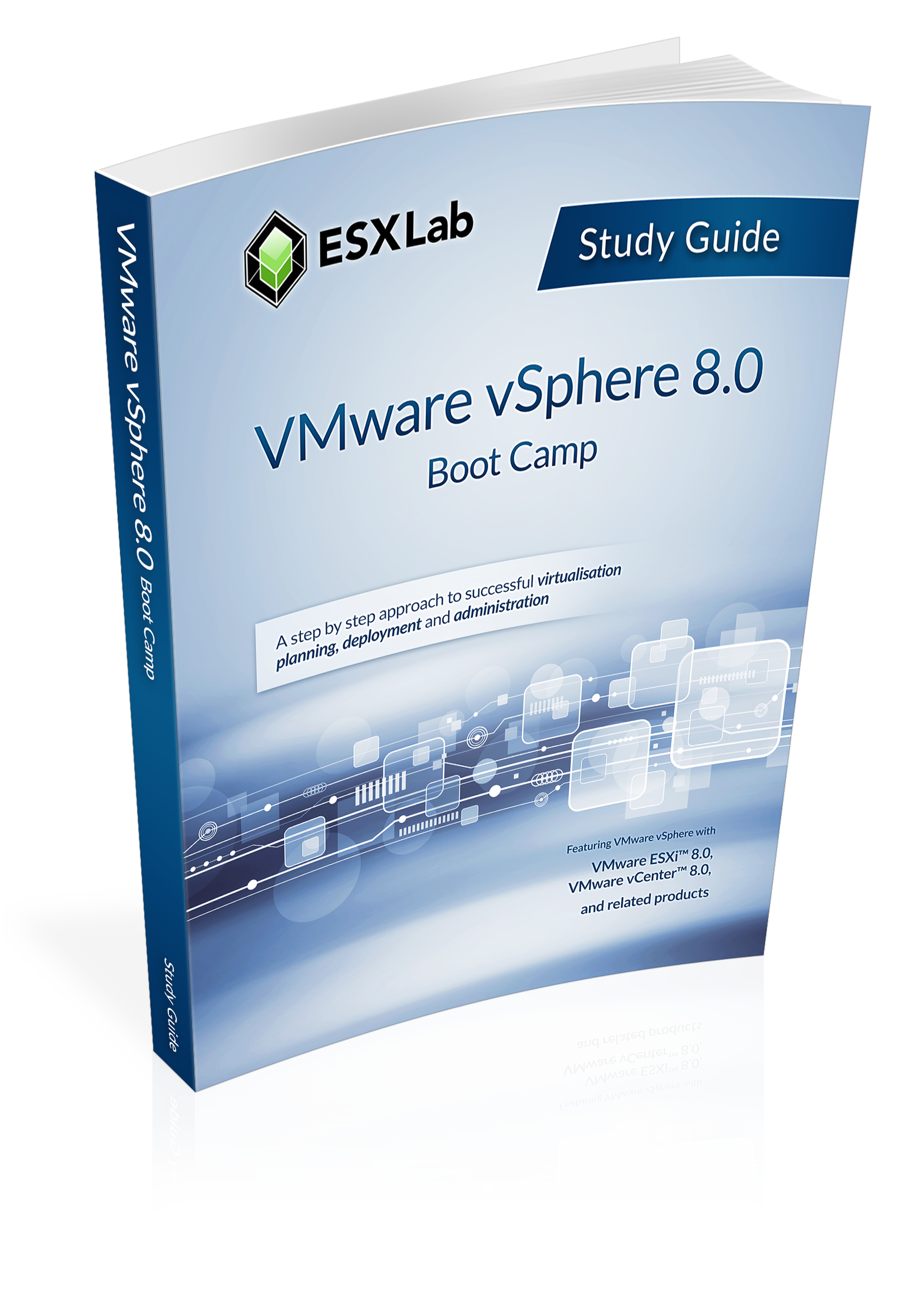
VMware vSphere 8.0 Boot Camp – Study Guide

Author: Larry Karnis

Original price was: $150.00.Current price is: $78.95.

Look inside this e-book

Download free sample e-book

course outline View the detailed course outline


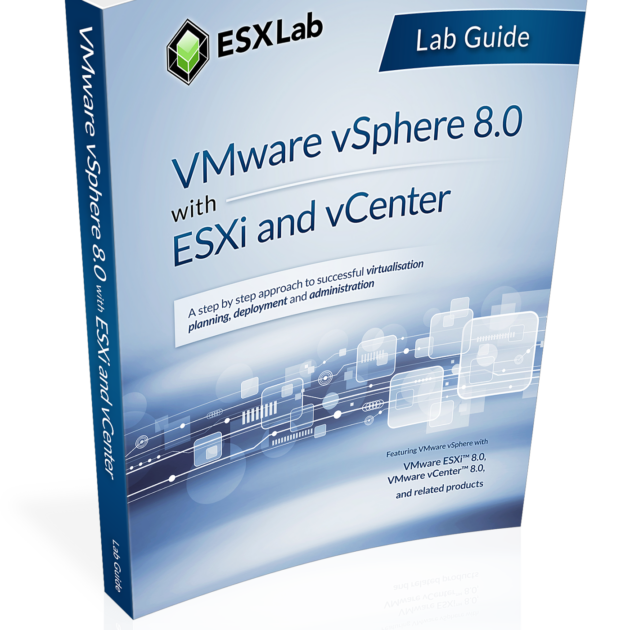
This course is an introductory extended hours course on VMware vSphere 8.0.

This course teaches the basic including installing, configuring and networking ESXi hosts. creating VMs, installing and configuring vCenter, working with shared storage, building load balanced and failure recovery clusters, and more. Throughout the course best practices are provided along with tips and administrative short cuts.

This Boot Camp class contains all of the chapters from our VMware vSphere 8.0 with ESXi and vCenter course along with five additional chapters and labs (in bold below) for a total of 9 additional hours of lectures and labs.

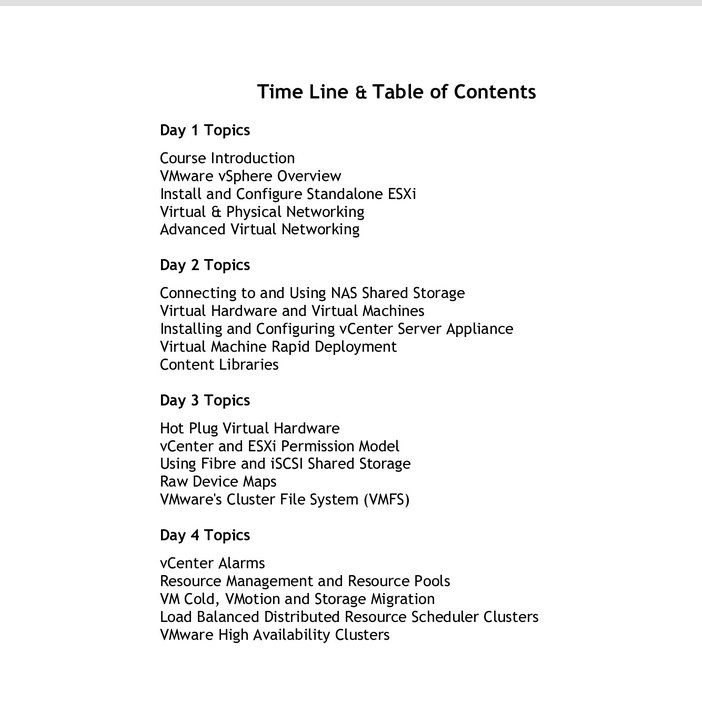
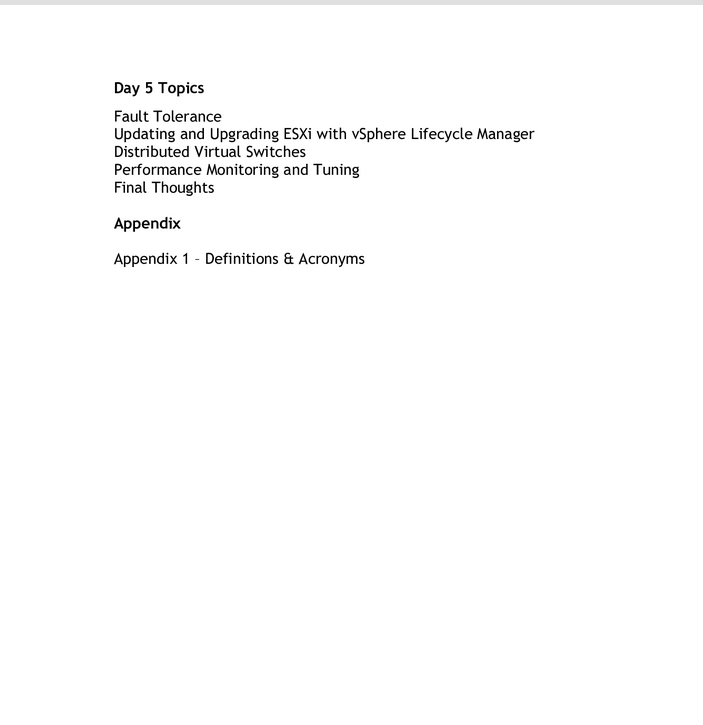
The combined course consists of the following chapters:

  1. Class introduction
  2. Virtualization Infrastructure Overview
  3. How to Install, Configure ESXi 8.0 (HoL1)
  4. Virtual and Physical Networking (HoL)
  5. Advanced Virtual Networking (Boot Camp only. HoL)
  6. NAS Shared Storage(HoL)
  7. Virtual Hardware and Virtual Machines (HoL)
  8. Install and Deploy the vCenter Server Appliance (HoL)
  9. VM Rapid Deployment using Templates, Clones (HoL)
  10. Content Libraries (Boot Camp only. HoL)
  11. Working with Hot Plug Virtual hardware (HoL)
  12. ESXi and vCenter Permission Model (HoL)
  13. Using Fibre and iSCSI Shared Storage (HoL)
  14. Raw Device Map Shared Storage (Boot Camp only. HoL)
  15. VMFS – VMware Cluster File System (HoL)
  16. vCenter Alarms (HoL)
  17. Resource Management and Resource Pools (HoL)
  18. VM Hot VMotion, Cold Migration and Storage VMotion (HoL)
  19. Load Balancing w. Distributed Resource Scheduling Clusters (HoL)
  20. VM Failure Recovery with High Availability Clusters (HoL)
  21. Fault Tolerance (Boot Camp only. HoL)
  22. VMware Lifecycle Manager (HoL)
  23. Distributed Virtual Switches (Boot Camp only. HoL)
  24. Managing Scalability and Performance (HoL)
  25. Final Thoughts

Bold items are included in this Boot Camp e-book but are not included in our VMware vSphere 8.0 with ESXi and vCenter e-book.

1 HoL – Detailed Hands-on Lab instructions provided in the companion Lab Guide e-book (not included).


SKU: vSphere-80-BC-SG Categories: , , Tags: , , , , , , , , , Brand: Product ID: 19590

Description

Look inside this e-book

Download free sample e-book

course outline View the original course outline


ESXLab’s VMware vSphere 8.0 Boot Camp Study Guide,comes from our powerful 5-day class extended hours vSphere 8.0 training class. This class is an intensive introduction to VMware vSphereâ„¢ 8.0 including VMware ESXiâ„¢ 8.0 and vCenterâ„¢ 8.0. This course has been completely updated to reflect the most recent changes introduced in vSphere 8.0.

Assuming no prior virtualization experience, this class starts with the basics and rapidly progresses to advanced topics. It starts with the basic including installing, configuring and networking ESXi hosts. creating VMs, installing and configuring vCenter. It continues on by covering Virtual Machines, Permissions, storage, compute resource management, VM migration, building load balanced and failure recovery clusters, and more. Throughout the course best practices are provided, along with troubleshooting tips, and administrative short cuts.

Five Additional Chapters

Our vSphere 8.0 Boot Camp Study Guide is the same as our vSphere 8.0 with ESXi and vCenter Study Guide but adds five additional lecture chapters (about 150 extra pages). They cover:

  1. Advanced Virtual Networking Topics (Jumbo Frames, pNIC Teaming Policies, vSwitch Security Policies)
  2. Content Libraries
  3. Direct VM to SAN storage with Raw Device Maps
  4. Continuous VM Availability with Fault Tolerance
  5. An Introduction to Distributed Virtual Switches

For a more detailed look at our Boot Camp Study Guide’s content, use the Look Inside link (above) to see the first 5 chapters. Or use the Download free sample link to review the first 5 chapters and four labs of this course.

Objectives

At the end of the course, attendees will be able to:

  • Explain the many significant benefits of virtualization
  • Install ESXi 8.0 according to best practices
  • Use Host Client to manage standalone ESXi hosts
  • Configure and manage local storage resources
  • Create virtual and virtual to physical network configurations
  • Use advanced networking features like Security, Jumbo Frames and Beacon Probing (Boot Camp only)
  • Explain the 5 pNIC teaming policies and select the correct one depending on your situation and needs (Boot Camp only)
  • Define and use file share (NAS / NFS) datastores
  • Create and customize virtual machines
  • Install, configure and upgrade VMware Tools
  • Install, configure and administer vCenter Server Appliance
  • Perform rapid VM deployments using VM Clones and Templates
  • Use Guest OS customization to rapidly and consistently configure new VMs
  • Create and use Content Libraries to organize and distribute templates, media, scripts and more (Boot Camp only)
  • Configure and use hotplug virtual hardware to add VM hardware with zero downtime
  • Add and grow VM virtual disks including system disks and secondary volumes
  • Manually upgrade VM virtual hardware
  • Use Permissions to enable and customize user and group access to vSphere
  • Configure ESXi to connect to shared storage resources
  • Provide direct VM to SAN LUN access using Raw Device Maps (Boot Camp only)
  • Create VMFS datastores
  • Grow VMFS datastore capacity with LUN Spans and by Extending VMFS volumes and file systems
  • Explain and use VMware’s three different multipathing policies – Round Robin, Fixed and MRU
  • Use vCenter alarms to monitor ESXi, VM, storage and network health, performance, state
  • Use Resource Pools to bulk delegate compute resource to VMs and child Resource Pools
  • Perform VM cold migrations, hot VMotion migrations and hot Storage VMotion migrations
  • Create VM Load Balanced DRS Clusters to dynamically balance VMs to Hosts to ensure compute resource availability
  • Minimize unplanned VM down time with VMware High Availability clusters
  • Configure and enable VM Fault Tolerance to deliver VMs with zero unplanned down time (Boot Camp only)
  • Update and Upgrade ESXi hosts using VMware Lifecycle Manager
  • Use VMware Lifecycle Manager to upgrade VMware Tools and Virtual Hardware in VMs
  • Monitor and tune both ESXi and virtual machine for best performance
  • Create and configure Distributed vSwitches and migrate VMs and VMkernel NICs to dvSwitches (Boot Camp only)
  • Troubleshoot common problems
  • Use Best Practices to build a reliable, scaleable and highly available vSphere environment
Additional information

E-book Download E-mail Address

InstantPub E-book Store <bookstore@instant.pub> via Instant.pub <document-delivery@instant.pub>

On completed check out, you will receive an e-mail from our Instant.pub e-book service, (with the above sender information) that includes a unique download link / button in the message. This e-mail will be sent to the e-mail address you provide during check out.

If you don't see an e-mail from this sender, please check your Spam / Junk folder or Spam Quarantine service.

Study Guide Details

25 Content Chapters, Author Introduction, Glossary of Terms

Number of pages

787

Format

PDF E-book Licensed and Personalized

PDF Reader Options

Our e-books fully comply with the PDF standard. They can be read using any PDF reader that supports PDF 1.4 or higher including applications like Adobe Acrobat, 3rd party PDF readers, and most web browsers.

Customer Support

For any issues, please e-mail us at support@instantpub.com

Year of Publishing

2025

Date of Latest Update

September 2025

Publisher

ESXLab.com

ESXLab Web Site

https://www.esxlab.com

Refund Policy

Refunds will be provided for customers who have not downloaded their purchased PDF e-books.
Once you have downloaded your PDF e-book, we are no longer able to offer a refund.
Please use the Look Inside and / or Download Free Sample links to verify our content before downloading.

PDF Licensing and Security

This is a digital / PDF product. Customers must accept an End User License Agreement before being allowed to download their e-book(s). Your e-book will be personalized with customer identifying information including Name, E-mail, and other information. Unique user identifying steganographic and other codes will be deeply embedded in each e-book to further uniquely identify each customer. E-books may also be passively tracked to deter unauthorized sharing. By downloading our e-book(s) you hereby agree to abide by and be bound to our PDF embedded license agreement.

Reviews

There are no reviews yet.

Be the first to review “VMware vSphere 8.0 Boot Camp – Study Guide”

Your email address will not be published. Required fields are marked *

VMware vSphere 8.0 Boot Camp – Study Guide
Original price was: $150.00.$78.95Current price is: $78.95.